Examples/Figma
Figma OG image example
Pattern: Vibrant brand accent on a dark base. Below is a quick breakdown and a one-click recreate flow.
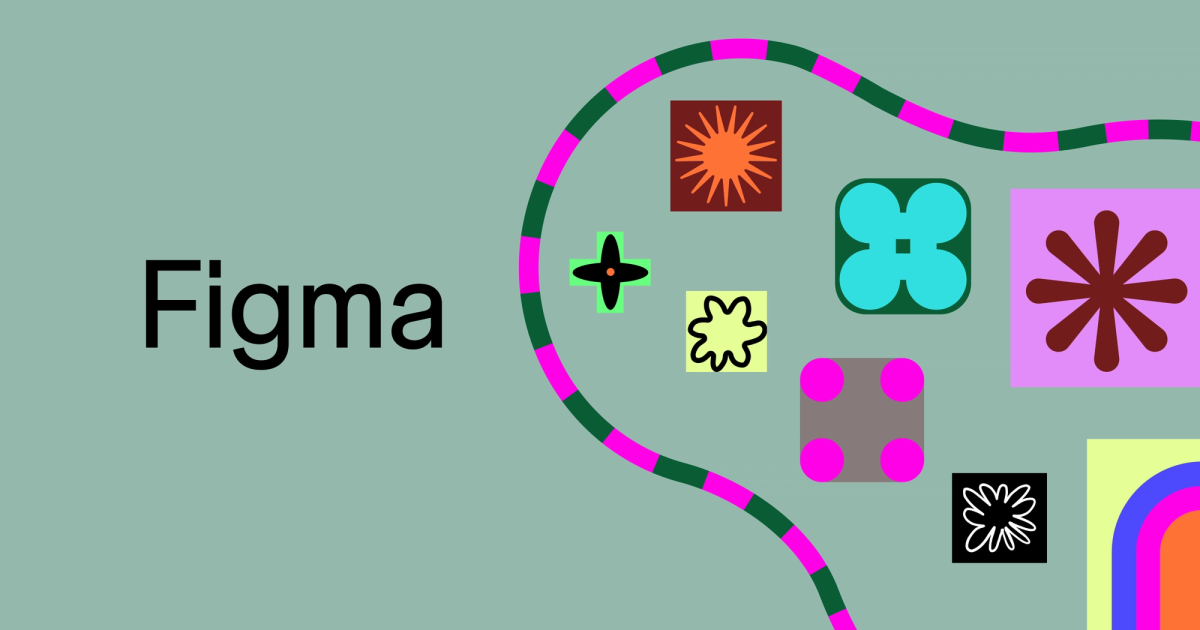
Note: OG images can change over time. This page focuses on the repeatable pattern.
Why this works
- • Color pop draws attention in crowded feeds.
- • Dark base keeps text readable.
- • Simple composition makes the brand feel modern.
Recreate this pattern
Open the template editor with a prefilled starting point. Replace the text and tweak colors to match your brand.
What to copy (and what to skip)
Copy: contrast, spacing, and hierarchy. Your title should be readable at a glance.
Skip: tiny UI screenshots, long sentences, or multiple competing focal points. Feeds downscale and compress images aggressively.
If your preview still looks wrong, use Validator and the debug checklist.
More OG image examples
Browse other brands and patterns. The best approach is to find 2-3 examples that match your brand vibe, then standardize.
Vercel
Pattern: High-contrast minimalism
View →
Stripe
Pattern: Brand color + simple hierarchy
View →
Linear
Pattern: Dark UI with a single accent
View →
Notion
Pattern: Light minimal with strong typography
View →
Tailwind CSS
Pattern: Dark technical aesthetic + neon accent
View →
GitHub
Pattern: Credibility-first, product-forward
View →
Trademarks and brand names are the property of their respective owners. This gallery is for education and inspiration.